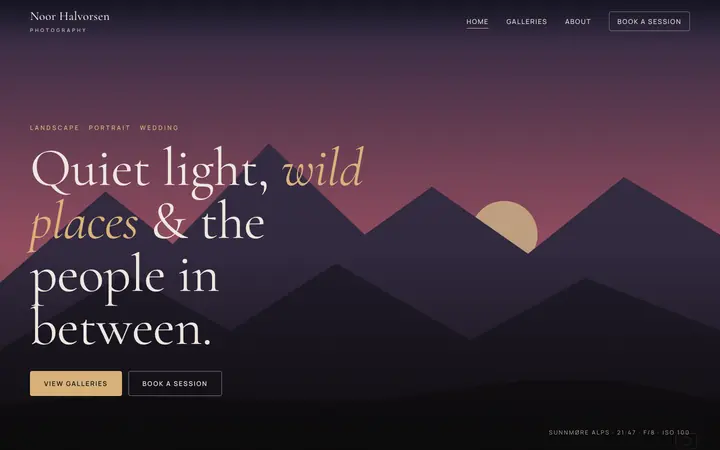
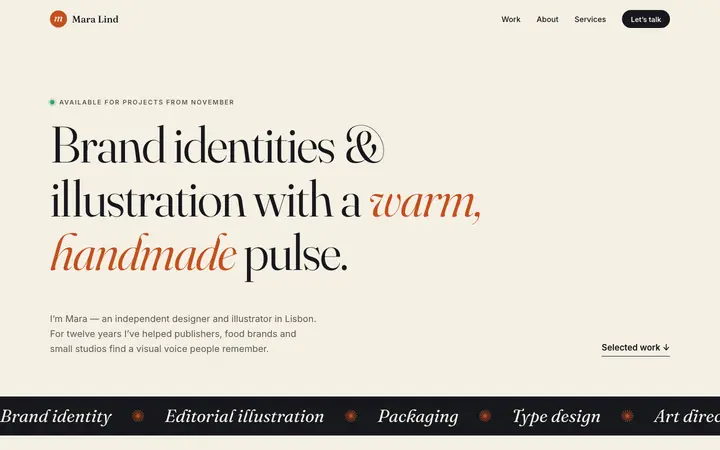
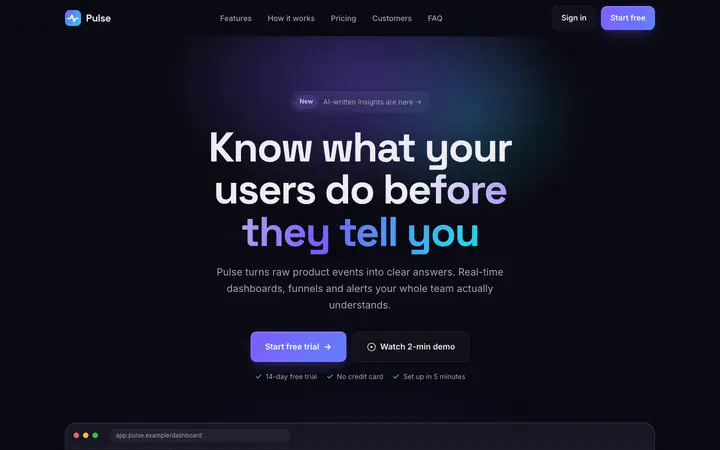
Terminal — Developer résumé & portfolio
Résumé website for software developers: terminal-style hero, experience timeline, projects with tech tags, skills, open-source stats, dark mode and print-ready CV.
Make it yours
Changes show in the preview straight away and go into the customised ZIP. Nothing is uploaded.
What’s included
- Responsive
- Light/dark toggle (saved)
- Print stylesheet (1–2 page CV)
- Terminal-style hero
- Experience timeline
- Project cards with tech tags
- Skill meters
- Contribution heatmap
- Active section nav
- Mobile menu
- Contact form (demo)
- Reduced-motion support
Fonts and licences
| Font | Source | Licence |
|---|---|---|
| Space Grotesk | Google Fonts | OFL |
| Inter | Google Fonts | OFL |
| JetBrains Mono | Google Fonts | OFL |
| Template code | ZumaTools | MIT |
Illustrations and icons are original to the template and covered by the same MIT licence.
Free for personal and commercial use
The template is MIT-licensed: use it for yourself or for clients, change anything, and publish as many sites as you like. Attribution is appreciated but not required. The MIT licence does ask for one thing — keep the included LICENSE file (the copyright and permission notice) with any copy of the code you share or sell.
How to put it online
- Netlify DropUnzip, then drag the
developer-portfoliofolder onto app.netlify.com/drop. You get a live URL in seconds and can add your own domain later. - GitHub PagesCreate a repository, upload the folder’s contents (index.html at the top level), then turn on Pages under Settings → Pages → Deploy from a branch.
- Any web hostUpload the files to your host’s public folder (often public_html) by FTP or the host’s file manager. There is nothing to install or configure.
Questions
Is the Terminal template really free for commercial use?
Yes. It is released under the MIT licence, so you can use it for personal and client projects, change it and sell sites built with it. A credit link is appreciated but not required. The one condition is that the LICENSE file (the copyright and permission notice) stays with copies of the code.
Do I need to know how to code?
Basic editing is enough. Open index.html in any text editor to change the words, and swap the images in assets/img. Colours and fonts are CSS variables at the top of assets/css/style.css, so a full re-theme is a few lines.
Does it need a framework, npm or a build step?
No. It is plain HTML, one stylesheet and a little optional vanilla JavaScript. It works when opened straight from your computer and on any static host.
How do I make a form send messages?
Static hosts don't run server code, so forms in the templates are demos until you connect a form service: set the form's action to a Formspree endpoint, or add the netlify attribute if you host on Netlify. The template's script only shows a demo message until then.
Can I remove the ZumaTools credit?
Yes. There is no visible credit you are required to keep on the site itself; only the LICENSE file needs to stay with the source code.